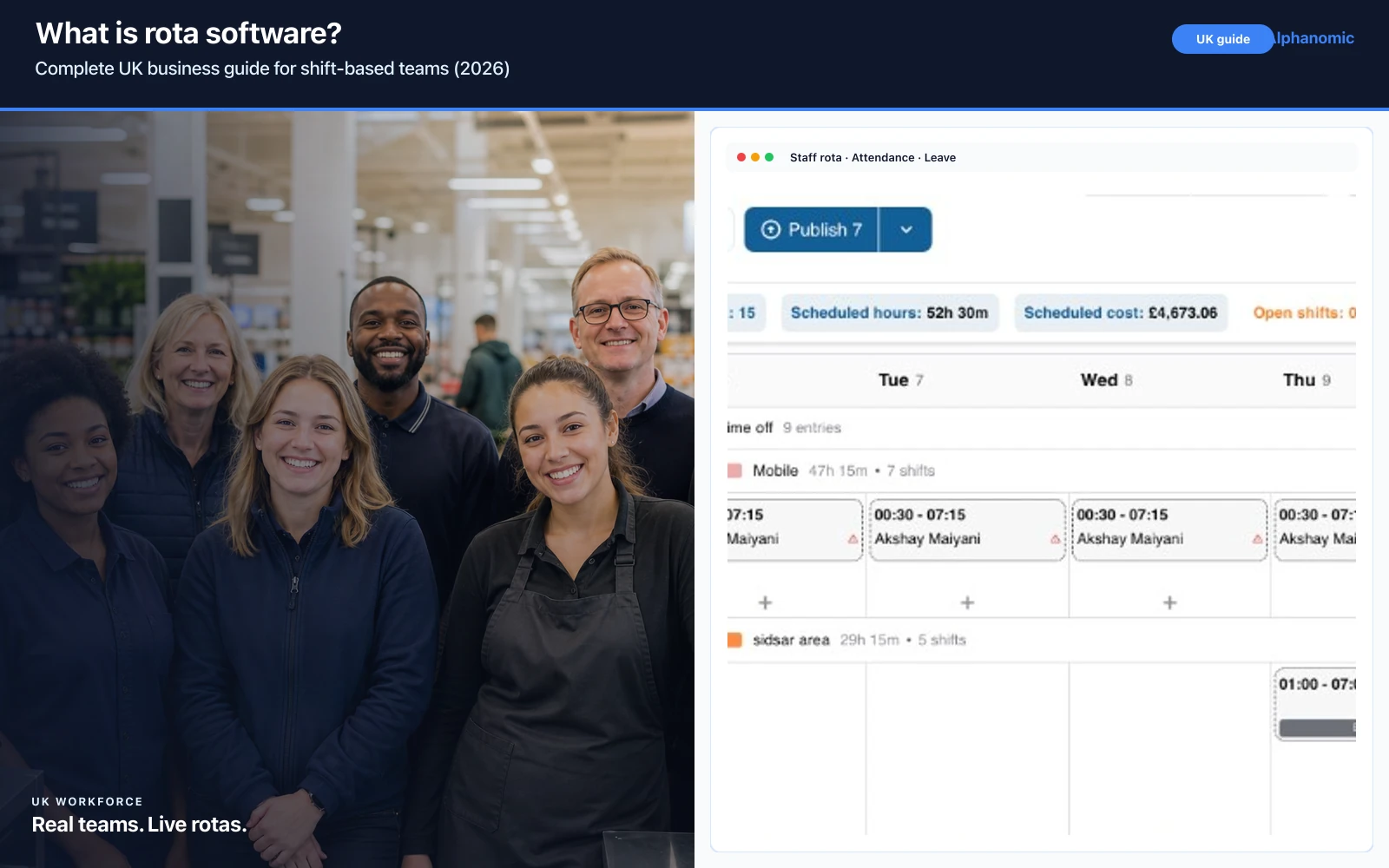
If your weekly rota still starts in Excel, you are not alone.
Thousands of UK businesses still rely on spreadsheets, WhatsApp groups, paper leave forms, and manual attendance records to manage their workforce.
While Excel may work for a small team, it quickly becomes difficult to manage as your business grows. Shift changes, leave requests, attendance tracking, and multiple locations create more administration than most managers expect.
Modern staff rota software UK brings everything together in one place. Instead of updating multiple spreadsheets and sending rota changes through messages, managers can build schedules, publish updates instantly, track attendance, approve leave, and maintain accurate workforce records from a single platform.
If you are still defining what rota software is and how it fits your operations, start with our guide on what is rota software. In this article, we compare Excel with modern rota software and explain why more UK businesses are making the switch in 2026.
Why so many UK businesses still use Excel
Excel remains popular because it is familiar.
Many businesses started with a simple rota spreadsheet years ago and never replaced it. Managers know how to copy rows, colour-code shifts, and share a file by email. For a team of five or ten people in one location, that can feel like enough.
Typical setup looks like this:
- Weekly rota spreadsheet
- WhatsApp group for updates
- Paper leave forms
- Separate attendance sheet
- Payroll spreadsheet
- Employee contact list
Initially, this works. Everyone knows where to look, and there is no new software to learn.
The problem is not Excel itself. The problem is that workforce management involves more than a grid of names and shift times. As teams grow, rotas touch leave, attendance, payroll, communication, and compliance. Excel was never designed to connect those workflows.
Where Excel starts to break down
Manual updates
Every shift swap means editing multiple cells. If someone covers an evening shift, you update the rota, message the team, and hope payroll sees the change. When several swaps happen in a week, managers spend more time maintaining the spreadsheet than running the shift.
Version confusion
Managers often have different copies of the rota. One file sits on a shared drive, another lives on a manager’s laptop, and a third gets sent by email on Friday afternoon.
Employees may follow an outdated schedule. That leads to no-shows, double bookings, and last-minute phone calls that could have been avoided with one live version everyone trusts.
No attendance tracking
Excel does not know who actually worked. Managers still need separate clock-in records, paper sign-in sheets, or another spreadsheet to track hours.
When payroll runs, someone must reconcile the rota with attendance manually. That is slow, error-prone, and frustrating for HR and site managers alike.
Leave is difficult
Annual leave is often tracked in another spreadsheet or a paper form in the office. Managers approve leave without always seeing the full rota impact.
Mistakes lead to rota gaps, uncovered shifts, and awkward conversations when two people thought they had the same day off.
Multi-site becomes messy
Managing several locations usually means multiple rota files. Area managers cannot easily compare coverage across sites, move staff between branches, or see which location is short on a given day.
Visibility disappears. Head office ends up chasing site managers for updates instead of making decisions from live data.
What staff rota software does differently
Instead of multiple disconnected tools, employee rota software connects scheduling with the rest of workforce operations.
Create rotas faster
Managers can copy previous weeks, use templates, drag and drop shifts, and assign role-based coverage without rebuilding the rota from scratch every time. See how rota scheduling speeds up weekly planning when you are moving away from Excel templates.
Typical time savings come from:
- Copying previous weeks
- Reusable shift templates
- Drag-and-drop scheduling
- Role-based shifts and departments
Publish instantly
Employees receive updates immediately through the platform or mobile workforce app. There is no emailing spreadsheets, printing rotas for the noticeboard, or hoping everyone read the WhatsApp message.
When a shift changes, the people affected know straight away. That alone removes a large share of daily “what time am I working?” questions.
Attendance tracking
Attendance tracking software links clock-ins, hours worked, late arrivals, and absence records to the live rota.
Everything stays connected. Payroll and managers work from the same source of truth instead of comparing two files line by line.
Leave management
Employees request leave online. Managers approve within the platform with visibility of team coverage and existing bookings.
The rota updates automatically when leave is approved, which reduces conflicts and last-minute gaps. Learn more about leave management when leave has outgrown a separate spreadsheet.
Multi-site visibility
Multi-site rota software lets you see every location from one dashboard. Move staff between sites, compare labour coverage, and spot shortages before they affect service or operations.
For growing UK groups, that central view is one of the clearest reasons to leave Excel behind.
Excel vs staff rota software
| Feature | Excel | Staff rota software |
|---|---|---|
| Weekly rotas | ✓ | ✓ |
| Shift swaps | Manual | Automatic updates |
| Attendance | Separate sheet | Built in |
| Leave requests | Manual | Online approval |
| Multi-site | Difficult | Built in |
| Mobile access | Limited | Native app |
| Audit history | No | Yes |
| Notifications | Instant | |
| Reporting | Manual | Live |
Excel is flexible, but flexibility becomes a burden when every change requires manual follow-up. Online rota software trades scattered files for one connected workflow.
Signs you have outgrown Excel
You probably need shift rota software if:
- Managers spend hours updating schedules each week
- Staff regularly ask for the latest rota
- Shift swaps happen every day
- Leave requests are difficult to manage fairly
- Payroll needs attendance corrections before every run
- You manage multiple locations
- WhatsApp has become your scheduling system
These are not minor inconveniences. They add up to lost time, payroll risk, and weaker workforce visibility. Many businesses tolerate them for years because changing systems feels disruptive. In practice, staying on Excel often costs more once you count manager hours and error correction.
Which businesses benefit most?
Staff scheduling software UK teams adopt most often includes:
- Hospitality
- Restaurants
- Hotels
- Healthcare
- Care homes
- Retail
- Cleaning
- Security
- Warehousing
- Manufacturing
- Construction
Any shift-based business with changing schedules, part-time staff, or multiple sites will feel Excel limitations faster than a fixed nine-to-five office.
Industry-specific pressure matters too. A restaurant may need instant swap coverage on a busy Saturday. A care home must align rotas with compliance and handover records. A warehouse needs accurate hours for agency and permanent staff. Excel rarely keeps up without heavy manual work.
How much administration Excel really costs
It is easy to underestimate spreadsheet admin because it is spread across the week.
A site manager might spend ninety minutes building the rota, thirty minutes fixing swaps, twenty minutes answering rota questions, and another hour reconciling attendance before payroll. That is several hours every week for one location.
Multiply that across sites, add HR time for leave queries, and Excel stops looking free. Staff rota software UK platforms aim to return that time to running the business—coaching teams, improving service, and fixing operational issues instead of updating cells.
What to look for when leaving Excel
When you compare options, prioritise features that replace the extra spreadsheets and messages Excel forced you to maintain:
- Live rota publishing with mobile access
- Integrated attendance and hours tracking
- Leave requests with manager approval
- Multi-site or multi-location support
- Audit-ready history for changes and approvals
- Clear pricing that scales with headcount
Review pricing against the hours your team currently spends on rota admin. The right platform should reduce manual work without adding complexity for frontline staff.
How Alphanomic helps
Alphanomic combines:
- Staff rota planning
- Attendance tracking
- Leave management
- Mobile workforce app
- Workforce documents
- Multi-site scheduling
- Audit-ready records
Managers can create schedules in minutes while employees always have access to the latest rota from their mobile devices. Instead of maintaining an Excel rota template, a leave sheet, and a separate attendance log, your team works from one secure platform built for UK shift operations.
If you are evaluating a move from spreadsheets, Alphanomic offers a 30-day free trial so you can test rota publishing, attendance, and leave workflows with your real team structure before committing.
Frequently asked questions
Is Excel still good enough for staff rotas?
Excel can work for very small teams with stable schedules, but it becomes difficult to manage shift swaps, leave, attendance and multi-site rotas as your workforce grows.
When should a UK business switch from Excel to rota software?
Switch when managers spend hours updating schedules, staff follow outdated rotas, leave conflicts are common, payroll needs attendance corrections, or you operate across multiple locations.
Can staff rota software replace multiple spreadsheets?
Yes. Modern rota software combines scheduling, attendance tracking, leave management and workforce records in one platform instead of separate Excel files and message threads.
Does rota software work for multi-site businesses?
Yes. Multi-site rota software gives managers visibility across every location, helps move staff between sites, and keeps rotas and attendance connected in one dashboard.
How does rota software help with attendance tracking?
Clock-ins, hours worked, late arrivals and absence records stay linked to the live rota, reducing manual reconciliation before payroll.
Final thoughts
Excel helped many businesses organise staff schedules, but today’s operations require more than spreadsheets.
As teams grow, businesses need better visibility, faster communication, and reliable attendance records. Staff rota software simplifies scheduling, reduces manual administration, and helps managers spend more time running their business instead of updating spreadsheets.
If your team still relies on Excel, moving to a dedicated rota platform can save hours every week while improving accuracy across your workforce.
Ready to replace Excel?
Create staff rotas, track attendance, approve leave, and manage your workforce from one secure platform.
Start your 30-day free trial with Alphanomic and see how staff scheduling software UK teams use every day compares with your current Excel setup.