
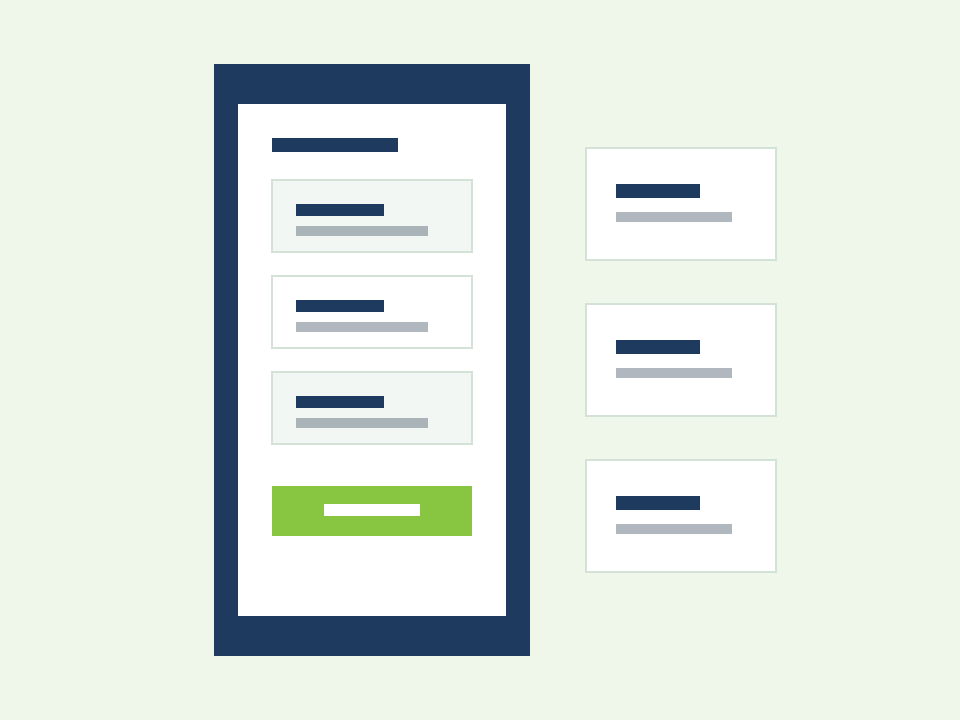
Free mobile access
Put rotas, attendance, and workforce tools in every employee's pocket
Shift teams cannot wait until they are back at a desk to see schedule changes, clock in, or open a policy document. Alphanomic includes a free mobile app so staff and managers stay connected to rotas, attendance, documents, notifications, and logbook workflows from anywhere.
Measurable outcomes
Mobile workforce outcomes teams can measure
Faster response to schedule changes, fewer missed updates, and stronger continuity for multi-location teams.
Instant
Schedule access
Staff see published rotas and shift changes on mobile.
On-site
Attendance capture
Clock in and review timesheets without a desktop.
Free
Employee app cost
Mobile access is included for workforce users.
The connectivity problem
When workforce tools only work at a desk, shift teams fall behind
Most mobile workforce pain is not having an app. It is ensuring the app covers the tasks employees and managers actually do between locations and on shift.
Desk-only schedule access
Staff cannot see rota changes until they log into a desktop or receive a late chat message.
Documents trapped in email
Policies and HR documents sit in inboxes with no reliable mobile access on the floor.
Fragmented mobile tools
Teams use separate apps for rotas, attendance, and messaging with no shared workforce context.
See mobile access in action
Workforce tools on web, everyday tasks on mobile
Managers configure rotas, attendance, and policies on web while employees view schedules, clock in, access documents, and receive alerts through the free mobile app.
How free mobile access works
Rotas, attendance, documents, and alerts on mobile
Watch a guided walkthrough in a live demo, or explore web and mobile screenshots below.
Book a live demoWeb screenshots
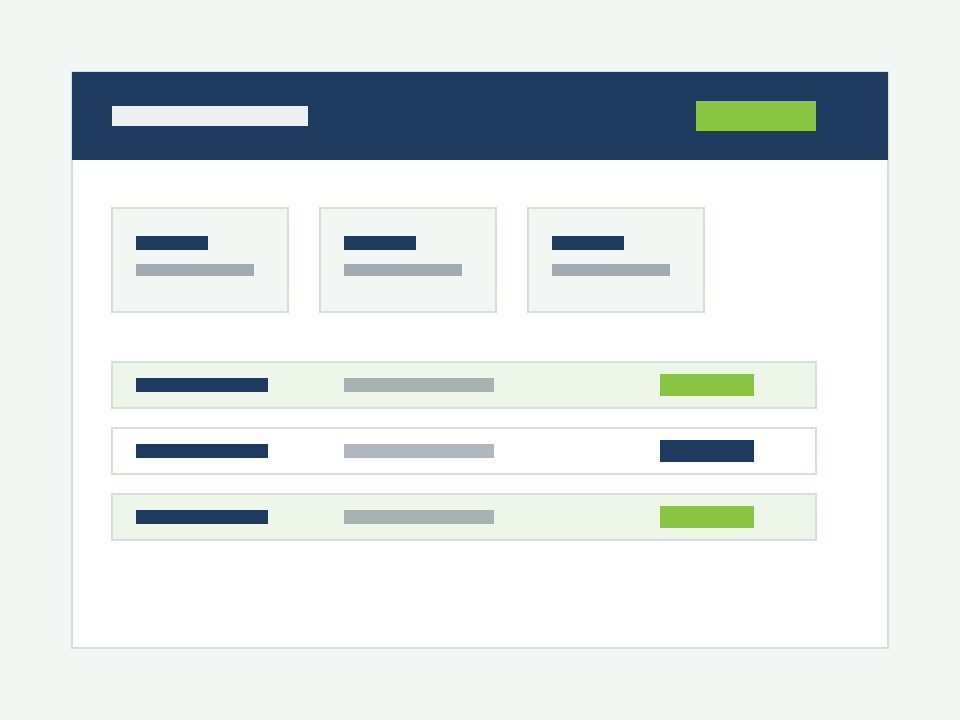
Manager web console
Build rotas, approve leave, and review attendance on desktop.
Mobile scenarios
Built for teams that work across sites and on the move
Free mobile access covers the everyday workforce tasks employees and managers need away from a desk.
View rotas and shift details
Employees check upcoming shifts, locations, and schedule changes from mobile.
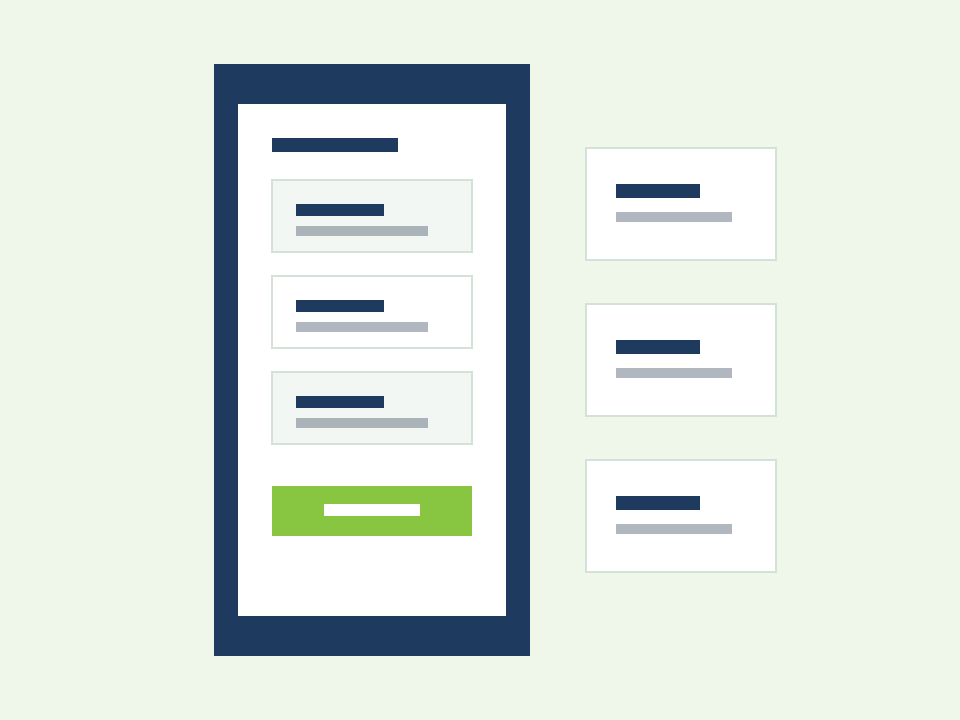
Clock in and review attendance
Staff clock in on site and managers review attendance exceptions on mobile.
Open documents on the floor
Employees access assigned policies, training, and HR documents without email hunting.
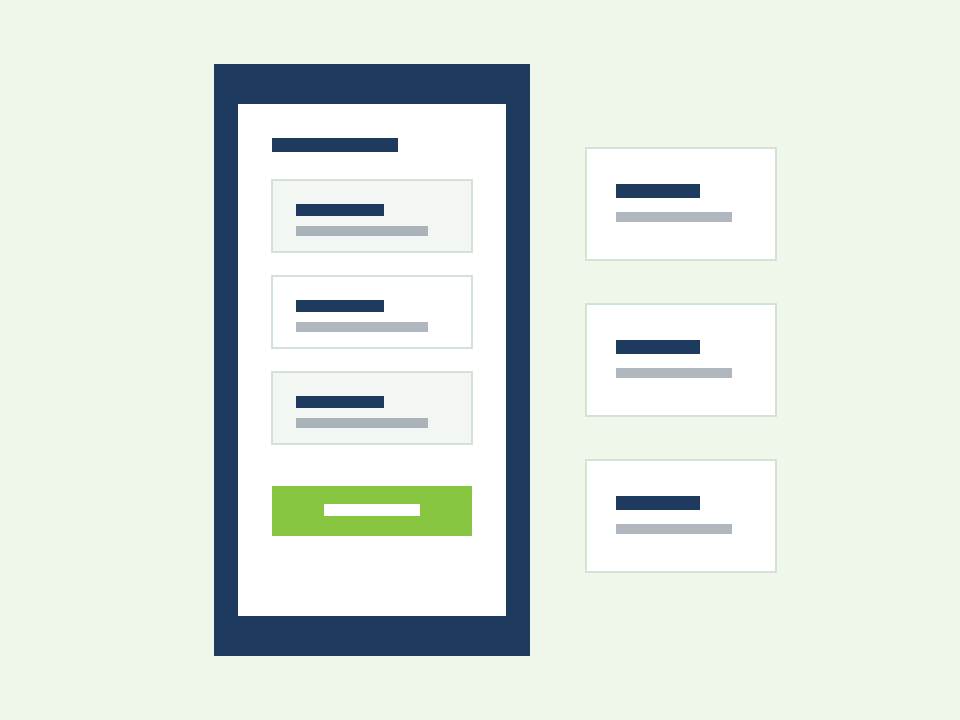
Receive workforce alerts
Push notifications deliver shift updates, leave decisions, and operational messages.
What you can do
Mobile capabilities inside the platform
Explore how free mobile access connects rotas, attendance, documents, notifications, and daily logbook in one employee app.
Give staff instant access to schedules and shift details.
- Published rota view on mobile
- Shift change notifications
- Open shift and swap visibility
- Multi-location schedule context
Who it helps
Mobile access for managers and staff
Managers need workforce control on the move. Staff need schedules, documents, and alerts without desk dependency.
Managers and ops leads
- Review rotas, attendance, and leave on mobile
- Approve swaps and requests away from a desk
- Receive exception alerts while on site
- Stay connected across multiple locations
Employees on shift
- View rotas and shift changes instantly
- Clock in and check timesheets on mobile
- Open assigned documents on the floor
- Get notifications without WhatsApp threads
How it works
A mobile rhythm for connected shift teams
A simple path from web setup to everyday mobile workforce tasks.
Invite staff to mobile
Managers provision employees to the free mobile app with role-based access.
Work on web
Rotas, policies, and workflows are configured in the platform on desktop.
Act on mobile
Staff view schedules, clock in, open documents, and respond to alerts on mobile.
Stay aligned
Notifications and mobile views keep everyone on the same live workforce record.
Explore more
Works alongside location communication and daily logbook
Mobile access delivers workforce tools to shift teams. These features connect site messaging and daily operational records.
Location-based communication
Staff send messages, reactions, audio, and images through site channels on mobile.
Daily logbook, KPI and reports
Let supervisors capture handovers and KPIs from mobile on shift.
Need the full product view?
Explore the workforce management platform
This page covers free mobile access inside Alphanomic. For the complete connected platform including scheduling, attendance, leave, documents, notifications, and reporting, visit the workforce management product page.
View workforce management softwareFrequently asked questions
Free mobile access FAQs
Practical answers about the employee app, rotas on mobile, attendance, documents, and notifications.
Quick answers
6 questions about how this feature fits your weekly operations.
Is the Alphanomic mobile app free for employees?
Yes. Mobile access for workforce users is included with the platform. Employees can use the app for rotas, attendance, documents, and alerts without a separate app fee.
What can staff do on mobile?
View rotas and shift details, clock in and out, review timesheets, open assigned documents, receive notifications, and complete mobile workflows such as logbook entries where enabled.
Can managers use mobile as well?
Yes. Managers can review rotas, attendance, leave requests, and workforce alerts on mobile with permissions suited to their role.
Do mobile users see live schedule changes?
Yes. When rotas publish or change in the platform, staff see updates on mobile and can receive push notifications.
Does mobile access include documents and policies?
Yes. Employees can open assigned workforce documents and training materials from the mobile app instead of searching email attachments.
How does mobile access connect to other features?
Mobile delivers rota scheduling, attendance tracking, document centre, notifications, leave workflows, and daily logbook tasks through one connected employee app.
Try free mobile access
Test the employee app with your shift teams
Start a 30-day free trial to give staff and managers mobile access to rotas, attendance, documents, and workforce alerts.